Offline Mode: keep working in the field
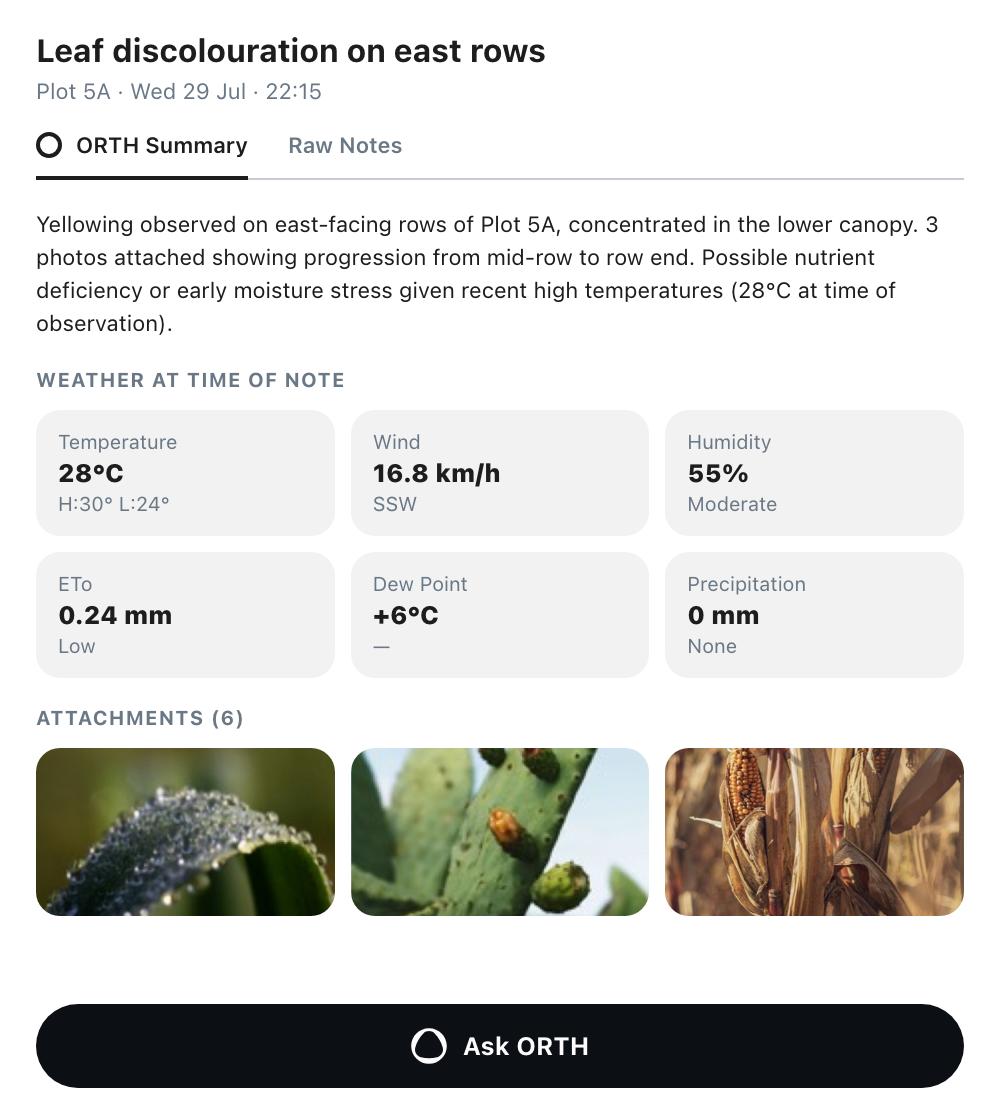
Feature 01Automatic detection and a status bar A dark status bar at the bottom of every screen shows “Offline mode” and a live count of items waiting to upload, with a refresh control for when you think the connection is back. Surfaces that need a connection show it: the weather chip reads –°C instead of an old value, and cached map tiles stay available for the farm you last had open. The quick actions for a plan and a field note stay available, since both can be captured on the phone. Feature 02What you can still do, in one panel Tap the bar to open a sheet that lists what stays available: log a field note, create an action and record results on existing ones, read your last 24 hours of chat, and try to reconnect. The sheet says that anything you log is saved on the phone and uploads when you reconnect. Feature 03Field notes, actions and results saved locally Add Field Note keeps its fields offline: plot, a pin dropped from the phone’s own GPS, date and time, name, text, and attachments from scan, camera, photos and files. Actions can be created, edited, changed and completed with a result of Successful, Partial or Unsuccessful. Dictation needs a connection, so the microphone is replaced by a notice to type your note. Everything added offline stays editable before and after it uploads. Feature 04A pending queue that uploads itself “N items waiting to upload” lists the queue in the Offline Mode panel. The items upload on their own once the connection returns, and you can close the app in the meantime. Offline records appear in their normal lists with a “Local note · Pending upload” chip, and the Field Notes list has a Pending upload filter. Records that a teammate synced keep their “Added by” name. Feature 05The last 24 hours of chat, readable offline The last 24 hours of conversation with ORTH are kept on the phone, so you can re-read this morning’s spray recommendation while you stand in the plot it applies to.