A redesigned web sidebar and bigger uploads
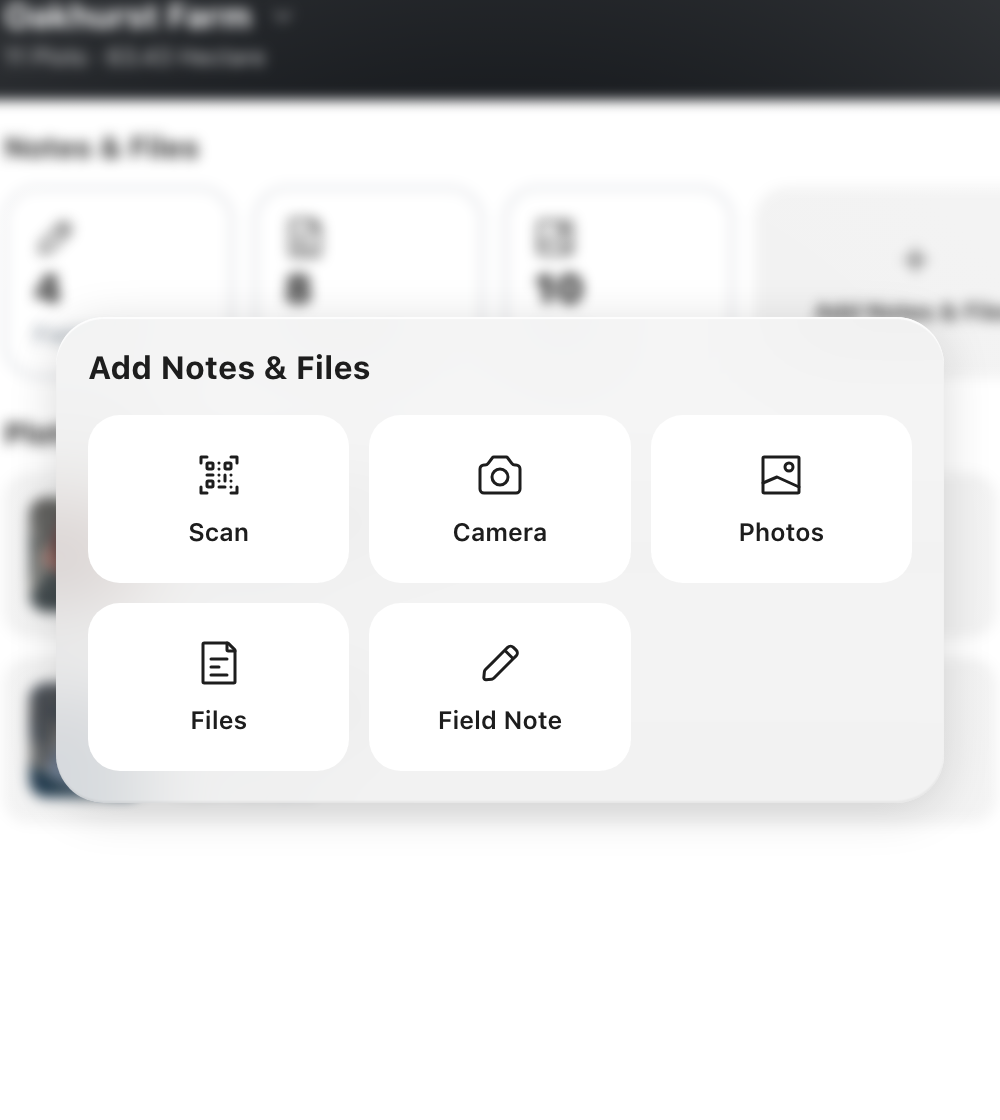
Feature 01A web sidebar built around how you use it The sidebar opens expanded with clear labels and collapses to a slim icon rail with tooltips, to give the map more room. New chat is pinned at the top, and the ORTH logo takes you there too. Farm and plots, Insights, Personalize ORTH and Recent chats make up the main menu, and Upgrade, Invite, Get the app and Account sit at the foot. The + beside Farm and plots opens a menu to add a farm, create a plot, add a field note, add files or create an action. Latest chats are listed in the sidebar, and every control is named for screen readers and keyboard users. Feature 02New Farm and Source filters The Farm and plots filter now includes a Farm option for records that belong to no plot, such as farm-wide documents or general conversations. On Documents and Media, a new Source filter separates files you uploaded from files saved out of ORTH chats, so a curated library stays easy to find. Selections read naturally, for example “Plot 5A”, “2 plots” or “Farm + Plot 5A”, and clear with one tap. Feature 03Bulk upload in Knowledge In Personalize ORTH › Knowledge, pick up to 20 files at once on mobile, or choose or drag and drop them on web. Review them in one list, choose once where they apply (All my farms or Only certain farms) and add them in one go. A file of the wrong type or over the size limit is left out and named with the reason, and the other files carry on. New references appear at the top with their processing status. Feature 04One set of upload limits Chat, Farm Profile attachments and notes, and plot field and crop attachments now take up to 20 files per request, 25 MB per file and 100 MB per request. Chat goes from 10 to 20 attachments per message. The Knowledge Hub takes up to 20 documents, with 100 MB per document and 100 MB per request. Plots and Knowledge accept several files at once, and error messages say why a file was not accepted.